


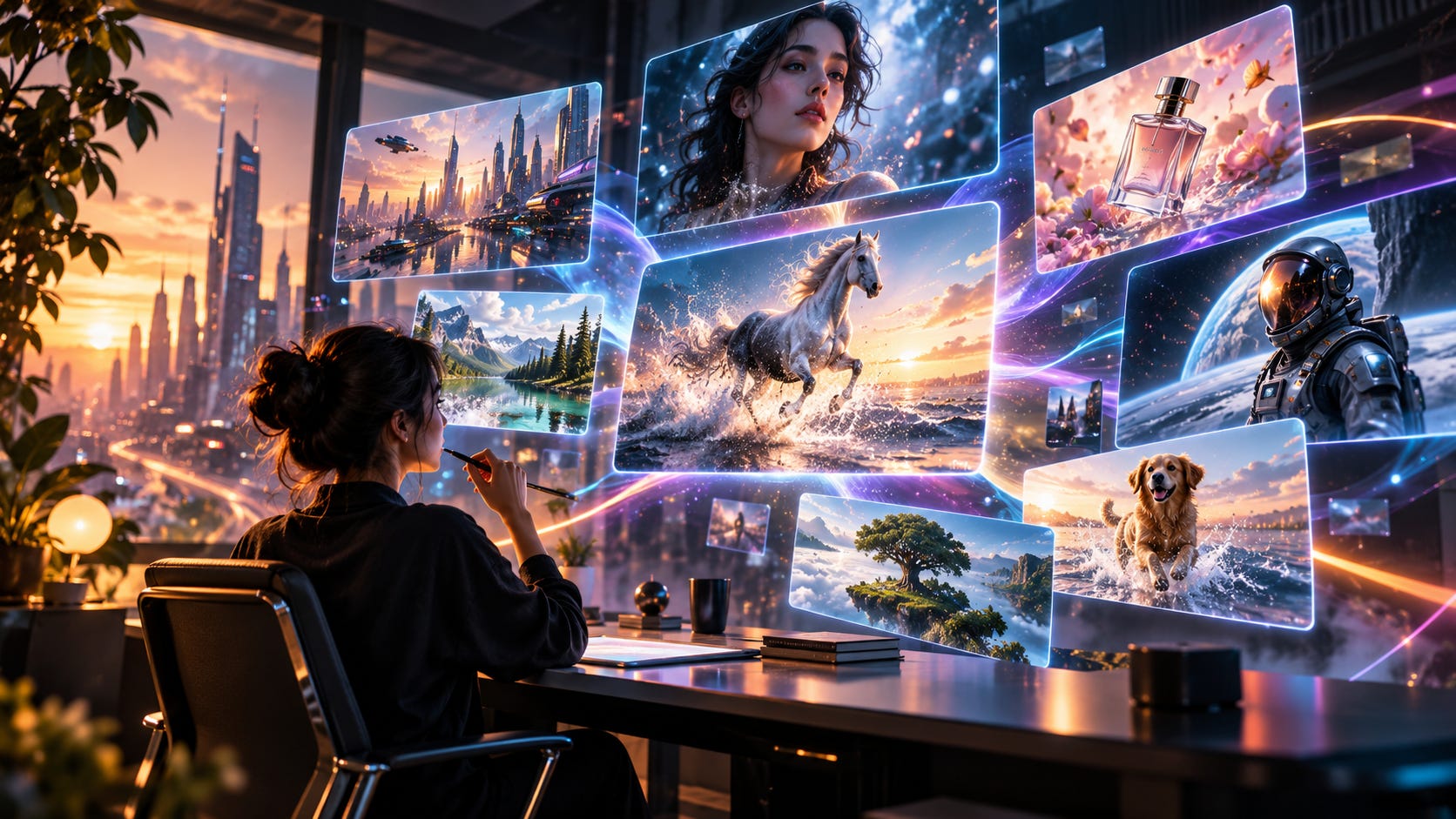
A few years ago, creating a professional-looking video meant cameras, lighting, actors, locations, editing software — and usually a decent budget.
In 2026, that equation is changing fast.
Today, you can simply describe a scene such as:
“A futuristic city glowing in the rain at midnight, cinematic lighting, camera slowly moving through the street.”
And within minutes, AI can turn those words into a video.
From Instagram Reels and YouTube Shorts to advertisements, product videos and even short films, AI video generators are becoming miniature production studios available to almost anyone.
Here are 8 AI video tools worth exploring in 2026. 👇
🎥 1. Google Veo 3.1 + Flow — Bring Cinematic Ideas to Life
Google’s Veo and Flow combination is designed for creators who want to move beyond simple AI clips and build more complete visual stories.
You can describe a scene, experiment with cinematic camera movements and create visually detailed sequences. One particularly interesting capability is generating audio alongside video, helping creators build scenes with dialogue, ambience and environmental sound.
🎯 Great for:
Short films, cinematic Reels, storytelling, advertisements and visually rich videos.
👉 Know More & Try Google Flow + Veo 3.1
🎬 2. Runway Gen-4.5 — More Control for Serious Creators
Runway has become one of the most recognisable names in AI filmmaking.
Instead of simply describing what should appear in a scene, creators can provide detailed instructions about movement, atmosphere, action and camera behaviour.
It supports both text-to-video and image-to-video workflows and is particularly useful when you want greater creative control over individual shots.
🎯 Great for:
Short films, advertisements, music videos, cinematic sequences and professional content.
🎭 3. Kling AI — Build Stories Around Characters
Creating one impressive AI video is becoming easy.
Creating several scenes where the same character continues to look believable is much harder.
That is why Kling AI has attracted attention from creators working on character-driven videos and connected stories.
Its text-to-video and image-to-video capabilities make it especially interesting for creators producing multiple scenes around recurring characters.
🎯 Great for:
Story-based Reels, AI characters, cinematic storytelling and short films.
🎞️ 4. Luma Dream Machine — Make Still Images Move
Have a beautiful photograph or AI-generated image?
Luma can help transform it into a moving cinematic scene.
Upload an image, describe what should happen and tell the AI how you want the camera or scene to move.
A simple landscape can suddenly become a sweeping cinematic shot.
🎯 Great for:
Image-to-video, creative transitions, cinematic movement, product visuals and artistic content.
👉 Know More & Try Luma Dream Machine
📱 5. Pika — Built for Scroll-Stopping Content
Not every video needs to look like a Hollywood production.
Sometimes you just want people to stop scrolling.
Pika is particularly appealing for social-media creators because it combines AI video generation with playful effects, transformations and creative editing possibilities.
It is also relatively approachable for people experimenting with AI video for the first time.
🎯 Great for:
Instagram Reels, TikTok, YouTube Shorts, viral videos and creative experiments.
🏢 6. Adobe Firefly Video — AI Video Meets Professional Workflow
If Photoshop, Premiere Pro and After Effects are already part of your creative workflow, Adobe Firefly becomes particularly interesting.
AI-generated clips can fit naturally into the wider Adobe ecosystem, making Firefly useful for professional creators, marketing teams and businesses.
Generate concepts with AI, then continue polishing them inside familiar editing applications.
🎯 Great for:
Product videos, advertisements, B-roll, marketing campaigns and commercial content.
👉 Know More & Try Adobe Firefly Video
📸 7. Hailuo AI — Turn Your Photos Into Video
Hailuo makes the image-to-video process surprisingly simple.
Upload a portrait or photograph, describe how the subject or camera should move, and AI can transform the still image into a short animated scene.
That makes it an interesting option for creators who want impressive visual results without learning complicated filmmaking software.
🎯 Great for:
Photo-to-video, character animation, Instagram Reels and creative social content.
💻 8. Wan 2.2 — For Open-Source AI Explorers
Most major AI video platforms run in the cloud and depend on subscriptions or credits.
Wan takes a different route.
As an open-source video generation model, it gives developers and technically experienced creators more freedom to experiment, customise workflows and explore AI video generation on their own systems.
The trade-off is that running powerful video models locally can demand capable hardware and some technical knowledge.
🎯 Great for:
Developers, researchers, AI enthusiasts and advanced creators.
🎬 So, Which One Should You Try?
The answer depends on what you want to create.
Want cinematic storytelling?
Explore Google Veo + Flow or Runway.
Want recurring characters and story-driven scenes?
Experiment with Kling AI.
Already have beautiful images?
Try Luma or Hailuo.
Creating Reels and viral social content?
Pika deserves a look.
Working professionally inside Adobe?
Firefly may fit naturally into your workflow.
Want greater technical freedom?
Explore Wan.
And remember: you don’t necessarily have to choose only one.
The most interesting AI filmmaking workflows increasingly involve combining different tools for different parts of the creative process.
💡 Want Better AI Videos? Improve Your Prompt
Don’t simply write:
❌ “A man walking.”
Give AI something it can actually direct.
Think about:
🎭 Character — Who is in the scene?
🌍 Location — Where are they?
🏃 Action — What are they doing?
🎥 Camera — How should the camera move?
💡 Lighting — Bright, dark, dramatic or natural?
😮 Mood — Happy, mysterious, tense or emotional?
🎨 Style — Cinematic, realistic, animated or surreal?
The more clearly you describe what you imagine, the better chance the AI has of turning that idea into something visually interesting.
🚀 The Camera Isn’t Disappearing. Creativity Is Expanding.
AI video isn’t simply about replacing cameras.
It is about giving more people access to visual storytelling.
A teacher can turn an idea into an engaging visual lesson.
A small business can experiment with promotional videos without a large production team.
A YouTuber can create scenes that would otherwise require locations, actors and equipment.
A student can experiment with filmmaking without owning an expensive camera.
And an independent creator can turn an idea in their imagination into something people can actually watch.
That may be the biggest shift of all.
For decades, filmmaking began with:
“Lights. Camera. Action.”
In the AI era, your next video might begin with something much simpler:
A sentence. 🎬✨
🔎 Explore More AI Tools
Want to discover more useful AI tools for video, writing, productivity, design and creativity?
Visit Knowlab.in and continue exploring the rapidly changing world of artificial intelligence.
Keep learning. Keep experimenting. Keep creating. 🚀
📨 Cut through the noise!
Follow us on WhatsApp and Telegram to deliver clean, curated updates on AI and tech—no distractions, just the news you need. 🚀🧠✨